

- Solutions
- CRM for Small Business
- Manufacturing Production Tracking Software
- Manufacturing ERP Software
- Lead Management Software
- B2B Web Portal Development
- Custom CRM Solutions
- Business Management Software
- Retail CRM Software
- AI Agents for Business
- AI Assistant for Business
- AI Powered Solutions
- ERP & CRM Industrial Manufactures
- Products
- Data For AI
- About Us
- Client Success
- Blog
Buy vs. Build: What’s Right for Your Business?
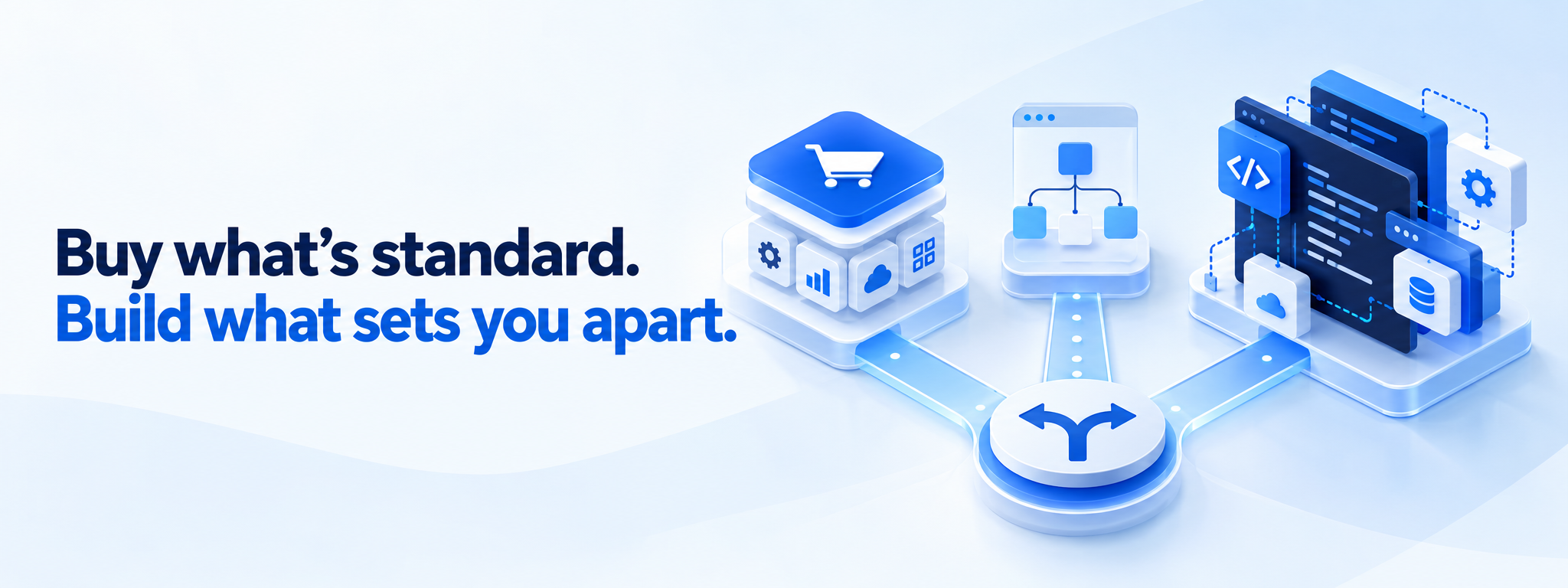
TABLE OF CONTENTS
Software used to come with a fairly simple decision: buy an existing product or build your own.
Today, that decision is more flexible. Low-code and no-code platforms have created a middle ground between packaged software and fully custom development.
Businesses can now create applications, automate workflows, connect systems, and launch internal tools without building every component from scratch. But that does not mean every business should immediately choose low-code, no-code, or custom development.
The Buy vs. Build Decision Has Changed
Traditionally, businesses had two main options. You could buy software created by another company and configure it for your organization, or you could build your own software using developers, databases, APIs, and infrastructure.
Low-code and no-code platforms introduced another possibility. Instead of developing every interface, workflow, and business rule from scratch, teams can assemble applications using visual tools, reusable components, and integrations.
| Approach | What it means | Best suited for |
|---|---|---|
| Buy | Use an existing software product | Standard business requirements |
| No-code | Build mainly with visual tools | Simple workflows and internal apps |
| Low-code | Visual development plus custom code | More complex business applications |
| Custom build | Develop from the ground up | Unique or strategically important systems |
None of these approaches is automatically better. The correct choice depends on the problem you are solving.
When Buying Software Makes Sense
Buying is usually the simplest option when the problem is common. Businesses across industries need accounting, payroll, project management, customer relationship management, communication, and other standard capabilities.
Building your own version of every common business tool rarely creates meaningful competitive advantage.
Imagine a company that needs an employee leave-management system. Employees submit requests, managers approve or reject them, HR checks balances, and reports are generated. An existing product may already solve most of that problem.
Advantages of buying
- Faster implementation
- Established features
- Vendor support and updates
- Lower initial engineering effort
- Documentation and training
- Predictable product roadmap
The difficulty starts when your business operates differently from what the product expects. Unusual workflows, special reporting, unique permissions, or deep integrations can create workarounds that become expensive over time.
When Building Becomes the Better Option
Custom development makes sense when the software represents something distinctive about how your business operates.
Consider a logistics company with a unique method for matching shipments, routes, drivers, warehouses, and delivery priorities. That system may directly affect cost, delivery speed, and customer experience.
Forcing a generic product to behave like that unique process may remove the very advantage that makes the company different.
That includes development, testing, monitoring, security, infrastructure, documentation, upgrades, bug fixes, and ongoing maintenance.
Where Low-Code and No-Code Platforms Fit
Low-code and no-code platforms can reduce the gap between buying ready-made software and building everything from scratch.
A marketing team might create an approval workflow. An operations team might build an inventory dashboard. A finance team might automate invoice processing. An IT team might connect several systems into one internal application.
No-code
No-code platforms focus mainly on visual configuration. Users work with forms, workflows, triggers, rules, databases, and ready-made integrations. They are useful when requirements are straightforward and the platform already contains the pieces you need.
Low-code
Low-code platforms add more technical flexibility. Developers can extend the application using APIs, scripts, custom logic, and integrations while still using visual components to move faster.
| Area | No-code | Low-code | Custom development |
|---|---|---|---|
| Development speed | Very fast | Fast | Usually slower |
| Coding knowledge | Minimal | Some | Significant |
| Flexibility | Moderate | High | Very high |
| Initial cost | Usually lower | Moderate | Usually higher |
| Maintenance effort | Lower | Moderate | Higher |
| Control | Limited | Moderate to high | Highest |
Low-code and no-code are not replacements for software engineering. They are additional engineering choices.
Speed Should Not Be Your Only Measurement
A platform that allows you to launch in two weeks instead of three months can create real value. But launch speed is only one part of the decision.
You also need to ask what happens after launch. Can the application support more users? Can it integrate with future systems? Can you export your data easily? Can developers extend it later? What happens if pricing changes? Can permissions meet future security requirements?
A solution that is very fast to create but difficult to scale may simply move complexity from today into the future.
Look Beyond the Initial Price
Buying software or using a low-code platform may look significantly cheaper than custom development at the beginning. Often it is. But businesses should compare the total cost of ownership rather than the first invoice.
| Cost area | Buy | Low-code / No-code | Custom build |
|---|---|---|---|
| Initial implementation | Low–Medium | Low–Medium | High |
| Licensing | Recurring | Recurring | Usually lower after development |
| Customization | Can become expensive | Moderate | Built into development |
| Maintenance | Mostly vendor-managed | Shared | Business-managed |
| Long-term flexibility | Depends on vendor | Depends on platform | High |
Indirect costs matter too. If employees spend hundreds of hours every month working around software limitations, those hours are part of the real cost. Custom software also has ongoing engineering costs even after the first release.
Is the Software a Commodity or a Competitive Advantage?
This may be the most useful question in the entire decision.
If the capability is standardized across your industry, buying is often sensible. If it represents your unique process, intellectual property, customer experience, or operational advantage, owning more of the technology may become important.
A company probably should not spend months building a basic calendar. But that same company may reasonably build the system responsible for its core customer experience.
Sometimes the Best Answer Is Both
Businesses do not need to use one approach everywhere. Modern technology stacks are often hybrid.
- Buy software for standardized functions
- Use no-code for simple internal workflows
- Use low-code for operational applications
- Build custom technology for core differentiation
- Connect systems through APIs
- Automate repetitive handoffs between tools
For example, a company may buy an accounting system, create internal approval workflows with no-code tools, build operational applications with low-code, and develop its customer-facing core product with custom software.
A Simple Decision Framework
Before choosing a direction, score the project using the questions below.
| Question | If the answer is high, consider |
|---|---|
| How unique is the business process? | Build / Low-code |
| How urgently do we need the solution? | Buy / No-code |
| How much customization is required? | Build / Low-code |
| How strategically important is it? | Build |
| How limited are engineering resources? | Buy / No-code |
| How likely are requirements to change? | Low-code / Build |
| How standard is the requirement? | Buy |
| How important is technical control? | Build |
| How simple is the workflow? | No-code |
Start With the Business Problem, Not the Technology
One of the easiest mistakes is choosing the technology first. A team discovers a platform and immediately starts asking what it could build with it.
The order should be reversed. Define the business problem, understand the users, map the workflow, identify the required data, define security needs, estimate usage, understand integrations, and determine what is truly unique.
Only after that should the organization compare buying, low-code, no-code, and custom development.
The Goal Is Not to Own More Software
Building everything internally is not a sign of technical maturity. Neither is buying everything.
The goal is to own the parts that create meaningful advantage and avoid spending valuable resources rebuilding capabilities that already work well elsewhere.
Low-code and no-code platforms make that balance more flexible. They can help businesses prototype quickly, automate smaller workflows, build internal applications, and validate ideas before committing to larger development projects.
At the same time, organizations need to recognize when a prototype has become a critical system and needs stronger engineering, governance, security, and architecture.