If you run a factory, a workshop, or a small manufacturing business, you already know the daily pain. Orders sit in one Excel sheet. Stock sits in a notebook. Job status sits with one supervisor. When a buyer asks “Where is my order?”, someone has to run around to find the answer.
One missing material or one wrong number can delay a delivery, and in B2B, a late delivery can cost you the next order. Manufacturing ERP fixes this by putting everything in one connected system. In this guide, you will learn what manufacturing ERP is, what it does, how it compares to Excel, and how small and mid size businesses can pick the right one.
What Is Manufacturing ERP?
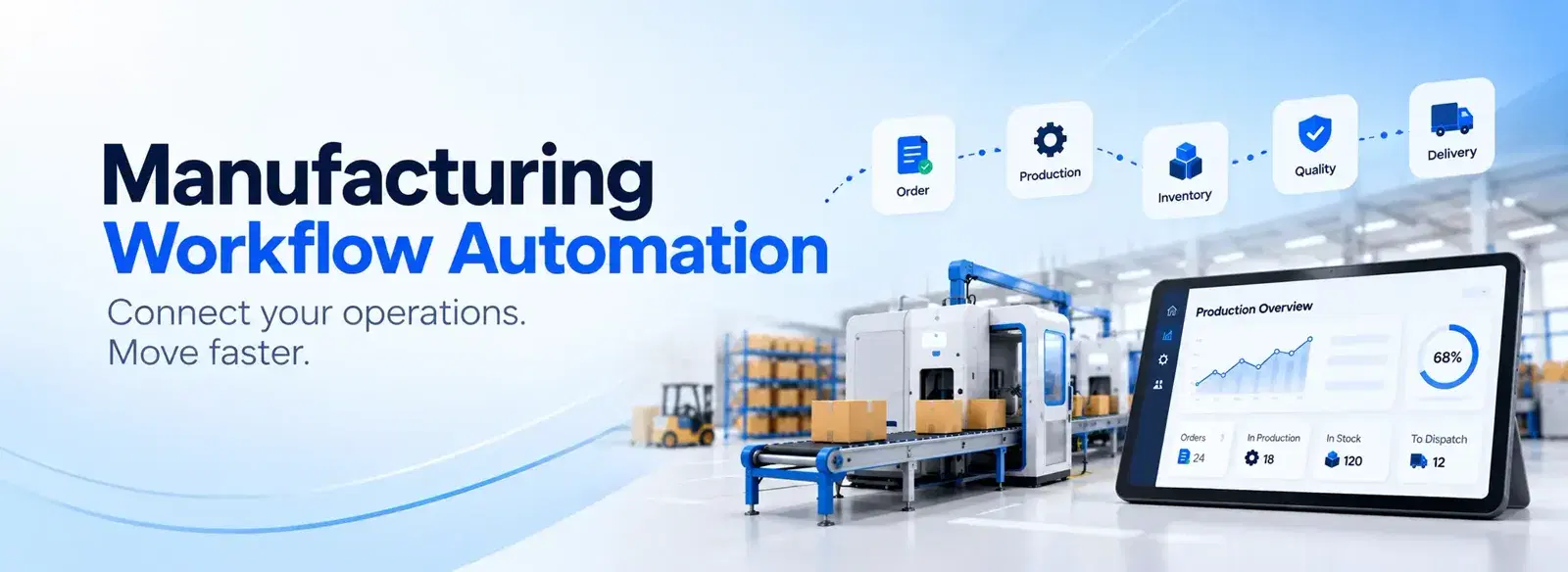
Manufacturing ERP (Enterprise Resource Planning) is software that connects production, inventory, purchasing, quality, sales, and finance in one system, so every team in a factory works from the same live data and can plan, track, and deliver orders on time.
SAP describes ERP for manufacturing as a centralized system that connects production, procurement, supply chain, and finance into a single platform (SAP). Good manufacturing ERP software takes a customer enquiry and follows it all the way to dispatch, without anyone retyping data.
How Is It Different From Standard ERP?
Standard ERP mainly handles finance and operations. IFS explains that manufacturing ERP adds production planning and scheduling, inventory management built for manufacturing, quality assurance, and maintenance (IFS). In simple words, it understands your shop floor, not just your accounts.
Who Needs ERP Software for Manufacturing?
Any company that makes things can use it. SAP lists several types: discrete manufacturing (machines, electronics), process manufacturing (food, chemicals), and mixed mode manufacturing, which combines both. If you run job cards, bills of materials, or batch production, this guide is for you.
Is Manufacturing ERP Right for Small Scale Industries?
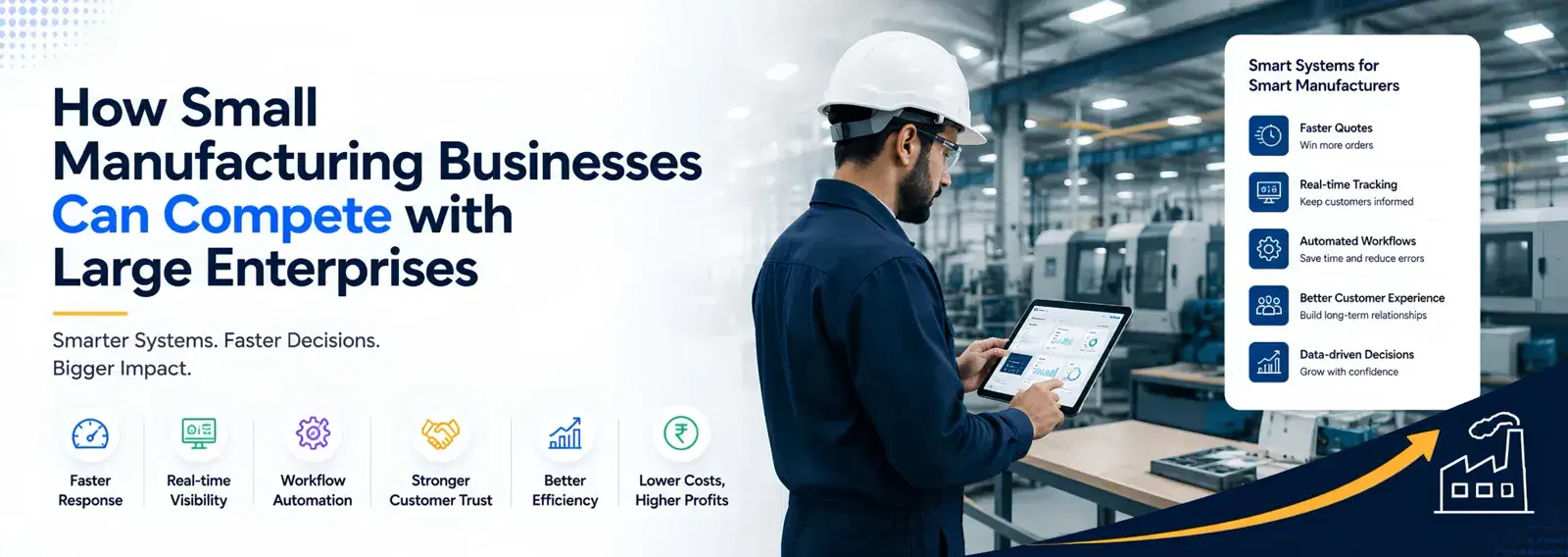
Yes. Many small units think ERP is only for big companies. That is no longer true. You do not need to start big. Begin with the one workflow that hurts most, such as quotes, stock, or job cards, and add more later. Many small businesses choose a simple or custom system instead of a heavy package, so they pay only for what they use.
Why B2B Buyers Care About Your ERP
In B2B, buyers judge you on on time delivery, correct quotes, and quick answers. With ERP, your sales team sees live stock and job status, so they can reply to a buyer in minutes, not hours.
Manufacturing ERP vs Excel
Excel is a great starting tool. Most factories begin with it. The trouble starts when the business grows.
Where Excel Works Fine
For a few orders, a small team, and simple stock, a spreadsheet is cheap and quick. Do not rush to replace it too early.
Where Excel Breaks
- Mistakes hide inside formulas. A review of field audits found that Panko reported errors in 94% of the 88 spreadsheets studied (arXiv research review).
- Data gets split up. SAP notes that relying on spreadsheets and standalone tools leads to limited visibility, planning delays, and inconsistent or inaccurate data (SAP).
- No alerts. A sheet will not warn you when steel is about to run out.
- Many versions. Two people edit two copies, and nobody knows which one is right.
The Simple Rule
If one wrong number can delay an order or lose a buyer, move from Excel to ERP.
Key Features of ERP Software in Manufacturing Industry
The best systems share a few core modules. Here is what to look for in ERP software in manufacturing industry settings.
Production Planning and MRP
Material requirements planning, called MRP, makes sure the right materials are available when production needs them (SAP). It also covers job cards, scheduling, and capacity.
Manufacturing Inventory Management
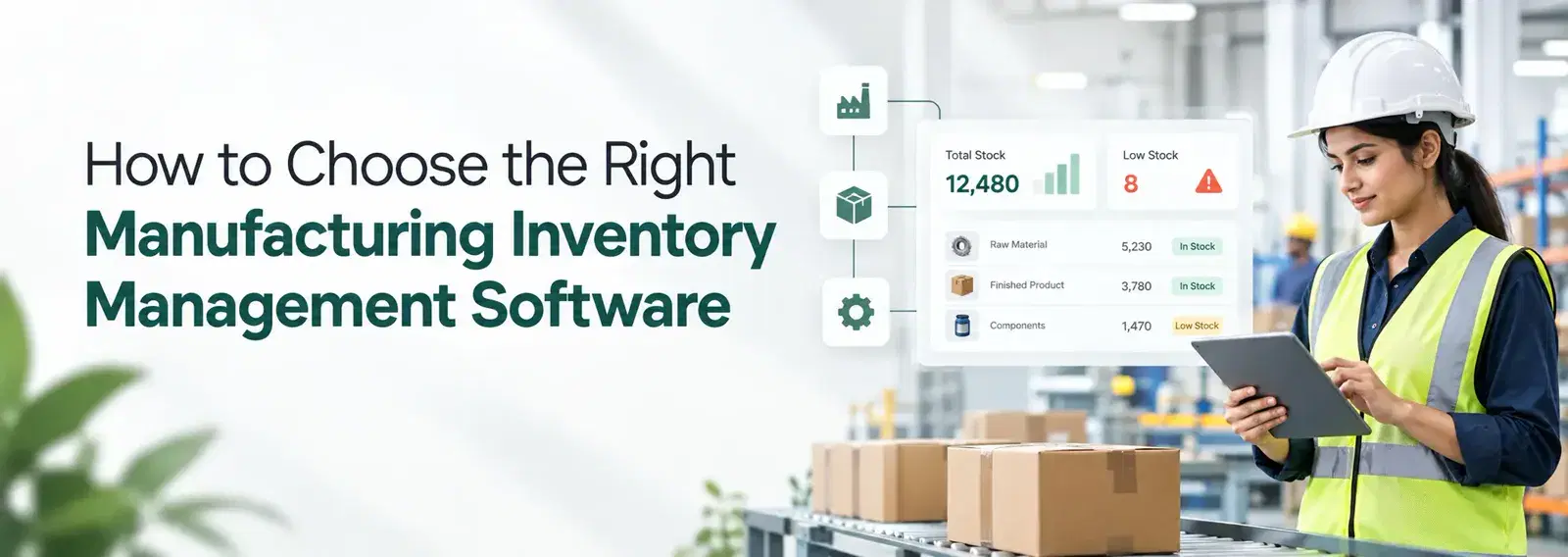
Manufacturing inventory management is the heart of a factory ERP. It tracks what you have, what you need, and what is late.
Raw Materials and Bills of Materials
The system knows how much steel, wire, or plastic each job needs. It can raise a purchase request before you run out, so a missing material never delays a buyer’s order.
Finished Goods and Dispatch
You see what is ready to ship, what is packed, and what is waiting for quality approval.
Quality and Traceability
Quality checks, batch records, and traceability help with audits and recalls (SAP).
Sales, Invoices, and Integrations
A connected CRM keeps enquiries, quotes, and orders in one place. A good ERP also plugs into the tools you already use, such as WhatsApp, Tally, and Google Sheets, through integrations.
Reports and Dashboards
Owners see sales, late jobs, stock, and dispatch on one screen instead of asking five people.
Benefits of Manufacturing ERP
SAP lists six main benefits of ERP for manufacturing (SAP):
- Higher production efficiency, because planning and execution match.
- Lower inventory costs, because you hold less extra stock.
- A faster financial close, because the data is already together.
- A stronger supply chain, because you see problems earlier.
- Better quality and compliance.
- A base that can grow without replacing your core system.
AI is the next step. SAP says AI in ERP can support demand sensing, production scheduling, and predictive maintenance. Many teams now add AI agents for business on top of their ERP to draft follow ups, read documents, and route tasks.
Related Resources
Want to go deeper? These pages from Dhumi will help:
- All Dhumi Solutions: see every system we build for growing businesses.
- CRM for Small Business: track leads, quotes, and orders.
- AI Agents for Business: add AI to your daily workflows.
- Business Management Software: one system for sales, operations, and reports.
- Customer Stories: see how other teams use Dhumi.
Custom ERP for Manufacturing: When Does It Make Sense?
There are two kinds of ERP: off the shelf and custom (Dynamics Square). Off the shelf tools are ready to use, but you adapt your process to them. Custom ERP for manufacturing is built around how your team already works.
Choose Custom When
- Your process is different from the standard way.
- You use WhatsApp, Tally, or sheets that must stay connected.
- You want a working system fast, not a long project.
Dhumi builds a working first version in about two to three weeks, based on your real workflow. You can see real examples in our customer stories.
A Fair Warning
SAP points out that heavy customization can add complexity over time. So customize only what truly matters, and keep the rest simple.
How to Choose the Best ERP Software
The best ERP software is not the one with the most features. It is the one your team will actually use. SAP suggests checking industry fit, scalability, phased rollout, integration, real time data, ease of use, and total cost of ownership (SAP).
Here is a simple five step way to decide:
- 1List your top three problems. Late orders, stock mistakes, or slow quotes.
- 2Map your real process. From enquiry to dispatch.
- 3Start small. Launch one core workflow first.
- 4Train your people early. SAP names resistance to change as a common roadblock, so involve your team from day one.
- 5Review every month. Add modules as you grow.
When you compare options, ask each vendor to show a live demo of your own process. A strong manufacturing ERP software partner should be able to do that. For one view across sales, operations, and reports, also look at business management software.
Conclusion
Manufacturing ERP gives your factory one live view of orders, stock, quality, and money. Excel is a fine start, but once a single error can cost you a buyer, a connected system pays for itself. Start with your biggest problem, keep the first version small, and grow from there.
Ready to see it on your own process? Talk to the Dhumi team.
Frequently Asked Questions
What is manufacturing ERP in simple words?
It is software that connects production, stock, purchasing, quality, and accounts, so your team works from the same data.
What is the difference between manufacturing ERP and standard ERP?
Standard ERP focuses on finance and operations. Manufacturing ERP adds production planning, shop floor tracking, and quality management (SAP).
Is manufacturing ERP better than Excel?
For growing factories, yes. Excel is fine for small setups, but ERP gives live stock, alerts, and one version of the truth.
How does ERP help with manufacturing inventory management?
It tracks raw materials, bills of materials, and finished goods in one place, and can warn you before stock runs out.
Do small manufacturers need ERP?
Yes, once orders, stock, and jobs become hard to track by hand. Many small units start with one core workflow and add more later.
How long does it take to set up a manufacturing ERP?
It depends on size and scope. SAP notes that many manufacturers adopt ERP in phases, starting with core processes. A custom first version can be live in a few weeks.