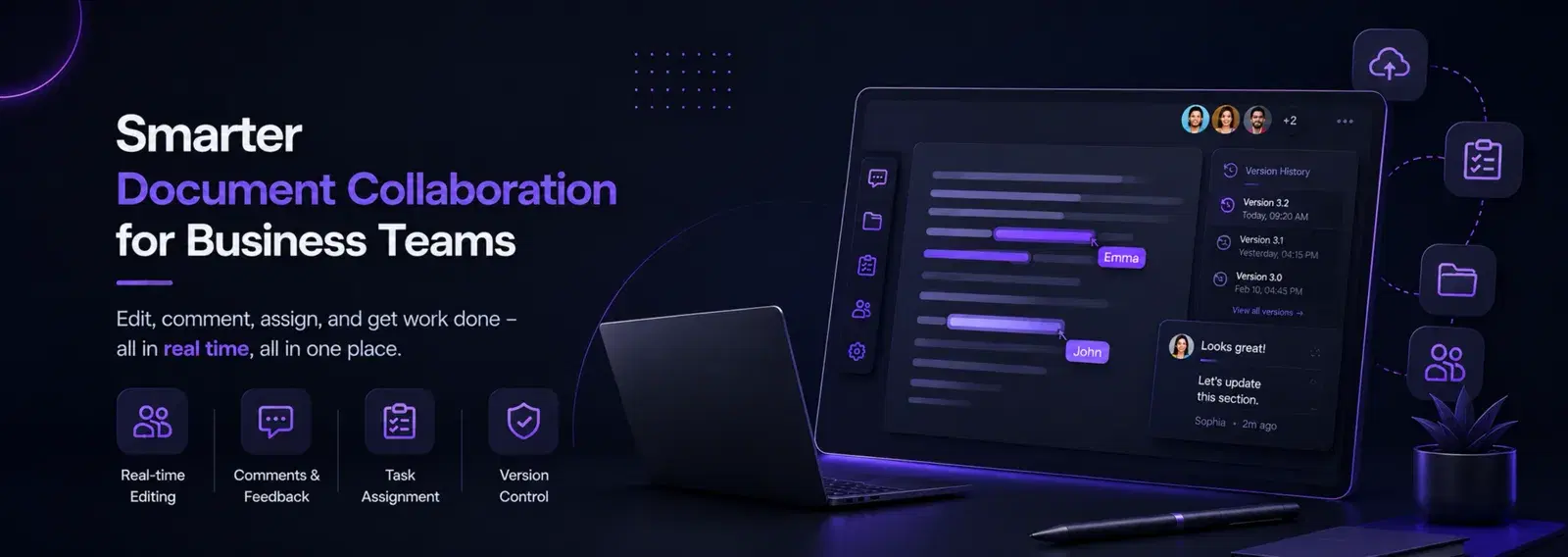

In today’s dynamic business environment, effective collaboration is paramount for innovation and success. With the rise of remote and hybrid work models, online whiteboard collaboration tools have emerged as indispensable assets, transforming how teams brainstorm, plan, and execute projects. This comprehensive guide explores the power of online whiteboard collaboration for businesses, highlighting its benefits, key features, and strategies for maximizing creativity and productivity.
Understanding Online Whiteboard Collaboration
Online whiteboard collaboration refers to the use of digital whiteboards that allow multiple users to interact and contribute in real-time, regardless of their physical location. These virtual canvases provide a shared space for brainstorming, diagramming, planning, and visual communication, mimicking the experience of a physical whiteboard but with enhanced digital capabilities.
Benefits for Businesses
- 1Enhanced Brainstorming and Idea Generation: Provides a flexible space for teams to visually organize thoughts, generate ideas, and explore concepts collaboratively.
- 2Improved Remote Collaboration: Bridges geographical gaps, allowing distributed teams to work together seamlessly on visual projects.
- 3Increased Productivity: Streamlines workflows, reduces communication barriers, and accelerates decision-making through visual clarity.
- 4Better Project Planning and Management: Facilitates visual project roadmaps, task assignments, and progress tracking.
- 5Engaging Presentations and Workshops: Transforms static presentations into interactive sessions, fostering active participation.
- 6Centralized Visual Information: Creates a single source of truth for visual assets, ensuring everyone is on the same page.
- 7Cost-Effective: Reduces the need for physical whiteboards, markers, and travel for collaborative sessions.
- 8Accessibility and Inclusivity: Supports various learning styles and provides an accessible platform for all team members to contribute.
Key Features of Online Whiteboard Tools
- 1Real-time Collaboration: Multiple users can edit and view the whiteboard simultaneously.
- 2Infinite Canvas: Provides an expansive digital space that grows as you add content.
- 3Templates: Pre-built templates for brainstorming, project planning, flowcharts, and more.
- 4Sticky Notes and Shapes: Tools for adding virtual sticky notes, shapes, lines, and text.
- 5Drawing Tools: Freehand drawing capabilities for sketching and illustrating ideas.
- 6File Uploads: Integrate images, documents, and other media directly onto the board.
- 7Commenting and Feedback: Add comments, reactions, and annotations for asynchronous feedback.
- 8Version History: Track changes and revert to previous versions if needed.
- 9Integrations: Connect with popular tools like Zoom, Slack, Google Drive, and Microsoft Teams.
- 10Presentation Mode: Transform your whiteboard into a dynamic presentation.
Strategies for Maximizing Creativity and Productivity
- 1Define Clear Objectives: Before starting, establish what you want to achieve with the whiteboard session.
- 2Facilitate Actively: Guide discussions, encourage participation, and ensure everyone has a voice.
- 3Use Templates Effectively: Leverage pre-built templates to structure your sessions and save time.
- 4Encourage Visual Thinking: Promote the use of drawings, diagrams, and sticky notes to express ideas.
- 5Integrate with Other Tools: Connect your whiteboard with video conferencing and project management tools for a seamless workflow.
- 6Set Time Limits: Use timers for brainstorming segments to maintain focus and energy.
- 7Document and Share: Save your whiteboards, export them, and share summaries with participants for future reference.
- 8Provide Training: Ensure all team members are comfortable and proficient with the chosen whiteboard tool.
- 9Foster a Safe Space: Encourage open ideation without judgment to maximize creative output.
- 10Review and Iterate: Regularly revisit your whiteboards to track progress and make necessary adjustments.
Top Online Whiteboard Collaboration Tools
- 1Miro: A highly popular and versatile online whiteboard platform with extensive templates and integrations.
- 2Mural: Another leading visual collaboration platform known for its intuitive interface and enterprise features.
- 3Google Jamboard: Google’s interactive whiteboard, integrated with Google Workspace, ideal for teams already in the ecosystem.
- 4Microsoft Whiteboard: Microsoft’s offering, integrated with Microsoft 365, providing a familiar experience for Windows users.
- 5FigJam: Figma’s online whiteboard, designed for designers and creative teams, offering a playful and intuitive interface.
- 6Witeboard: A simple, free, and fast online whiteboard for quick brainstorming sessions.