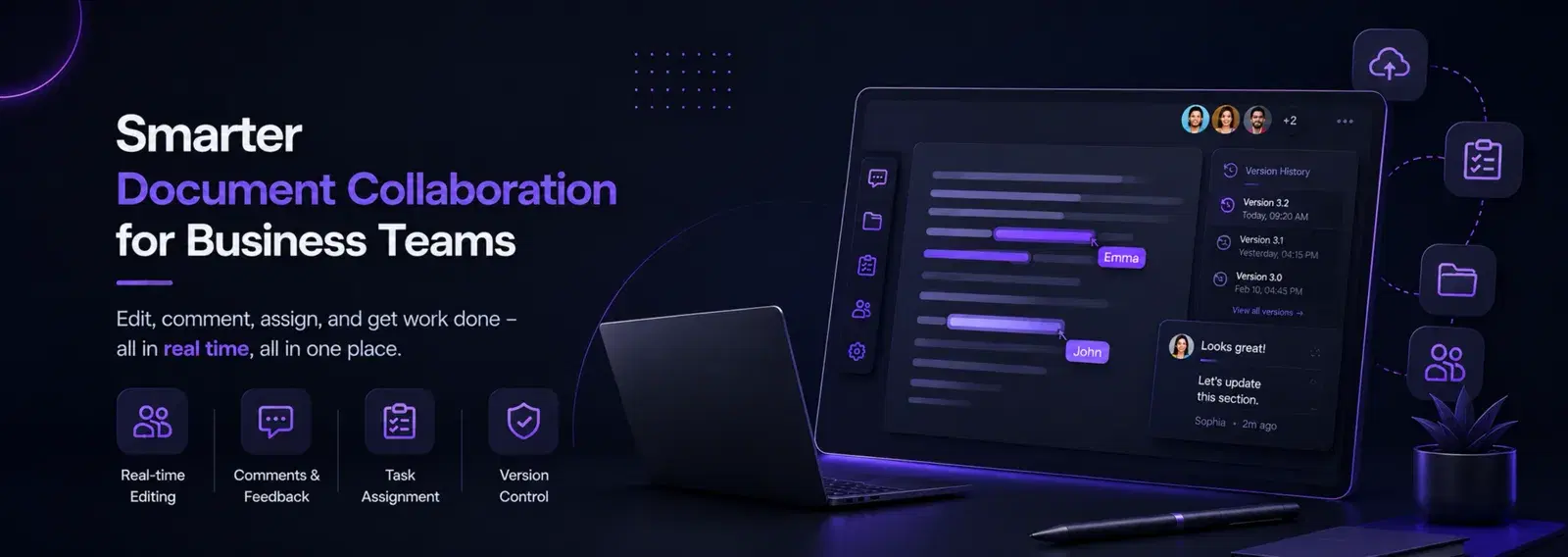

In the fast-paced worlds of design and creative industries, effective communication and seamless collaboration are paramount. Team chat platforms have emerged as indispensable tools, transforming how creative professionals brainstorm, share ideas, and bring projects to life. This guide explores the immense power of team chat for design and creativity, highlighting its benefits, key features, and strategies for maximizing its potential to foster innovation and streamline workflows.
Understanding Team Chat in Creative Workflows
Team chat platforms (e.g., Slack, Microsoft Teams, Discord) provide real-time messaging, file sharing, and integration capabilities that are particularly beneficial for design and creative teams. They offer a centralized hub for communication, allowing designers, writers, marketers, and other creative professionals to collaborate efficiently, share visual assets, and iterate on ideas quickly.
Benefits for Design and Creative Teams
- 1Real-time Collaboration: Facilitates instant feedback, quick iterations, and dynamic discussions on creative projects.
- 2Centralized Communication: Keeps all project-related conversations, files, and decisions in one accessible place.
- 3Enhanced Idea Sharing: Easy sharing of visual mockups, mood boards, sketches, and written concepts.
- 4Faster Decision-Making: Quick communication channels accelerate approval processes and problem-solving.
- 5Improved Project Management: Integrations with project management tools help track tasks and deadlines.
- 6Knowledge Sharing: Creates a searchable archive of discussions and shared resources, benefiting new and existing team members.
- 7Remote Work Support: Enables seamless collaboration for distributed creative teams, maintaining connection and productivity.
- 8Boosts Creativity: Encourages spontaneous brainstorming and informal idea exchange, sparking innovation.
Key Features of Team Chat for Creative Work
- 1File Sharing and Previews: Easily share design files, images, videos, and documents with instant previews.
- 2Integrations: Connect with design tools (e.g., Figma, Adobe Creative Cloud), project management software (e.g., Asana, Trello), and cloud storage (e.g., Google Drive, Dropbox).
- 3Channels/Spaces: Organize conversations by project, client, or topic to keep discussions focused.
- 4Threads and Replies: Keep conversations organized by responding directly to specific messages.
- 5Search Functionality: Quickly find past discussions, files, or decisions.
- 6Video and Audio Calls: Facilitate quick check-ins or detailed discussions with visual and auditory cues.
- 7Emojis and Reactions: Provide quick feedback and express sentiment without cluttering conversations.
- 8Notifications: Customize alerts to stay informed about relevant updates without being overwhelmed.
Strategies for Maximizing Team Chat for Creativity
- 1Establish Communication Guidelines: Define when to use chat vs. email vs. video calls, and set expectations for response times.
- 2Create Dedicated Channels: Organize channels for specific projects, design iterations, feedback, or even informal social chats.
- 3Leverage Integrations: Connect your design tools and project management software to streamline workflows and reduce context switching.
- 4Encourage Visual Sharing: Actively share mockups, sketches, and visual references to convey ideas more effectively.
- 5Foster Asynchronous Collaboration: Utilize threads and comments for feedback, allowing team members to contribute at their own pace.
- 6Schedule Creative Brainstorming Sessions: Use video calls within the chat platform for real-time ideation, followed by asynchronous feedback.
- 7Promote Informal Interaction: Encourage non-work-related channels to build camaraderie and a sense of team.
- 8Provide Training: Ensure all team members are proficient with the platform’s features and best practices.
- 9Document Decisions: Use pinned messages or dedicated channels to record key decisions and action items.
- 10Regular Review and Optimization: Periodically assess how the team chat is being used and make adjustments to improve efficiency.
Dhumi Team