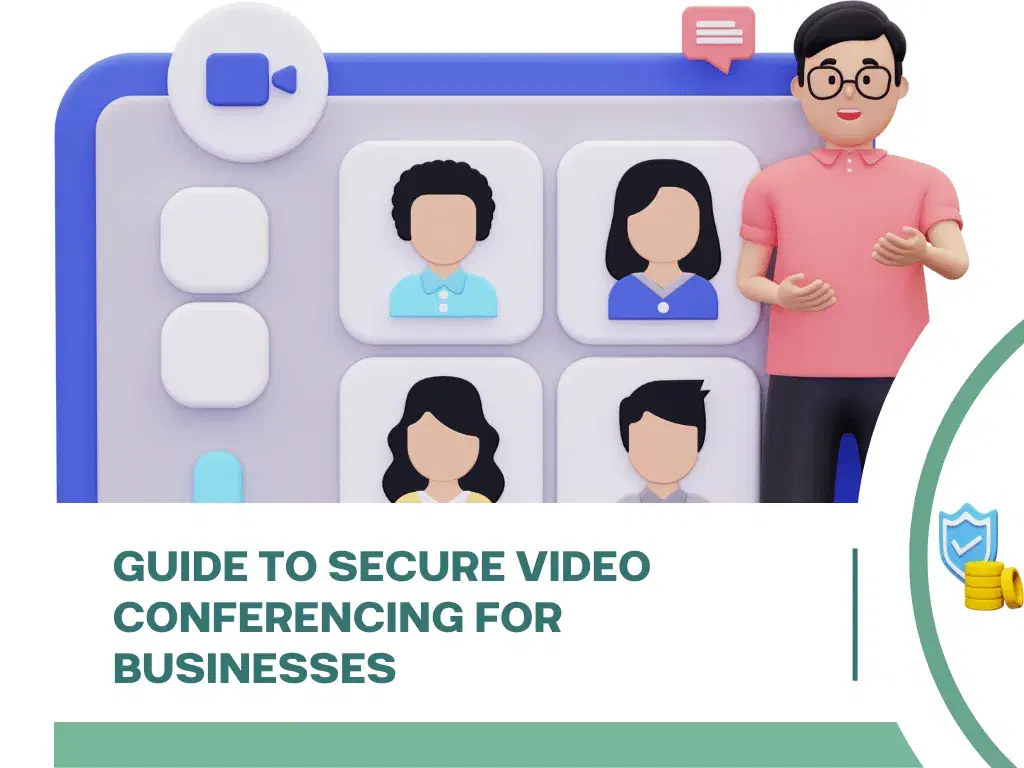
In today’s remote work and virtual communication landscape, video conferencing has become an indispensable tool for businesses, educators, and individuals alike. However, with the convenience comes the critical need for robust security and privacy. This comprehensive guide provides essential strategies and best practices for secure video conferencing, ensuring your conversations and data remain protected from unauthorized access and cyber threats.
Understanding Video Conferencing Security Risks
- 1Zoombombing/Meeting Hijacking: Unauthorized individuals gaining access to a meeting to disrupt or eavesdrop.
- 2Data Breaches: Sensitive information shared during calls being intercepted or leaked.
- 3Malware and Phishing: Malicious links or files shared during meetings, or phishing attempts disguised as meeting invitations.
- 4Eavesdropping: Unauthorized listening to private conversations.
- 5Recording Without Consent: Meetings being recorded and shared without the knowledge or permission of participants.
- 6Identity Theft: Attackers using information gathered from meetings to impersonate participants.
Key Security Features to Look for in Platforms
- 1End-to-End Encryption (E2EE): Ensures that only the sender and intended recipient can read messages, preventing eavesdropping.
- 2Password Protection: Require a password for all meetings to prevent unauthorized access.
- 3Waiting Rooms: Allow hosts to screen participants before admitting them to the meeting.
- 4Meeting Lock: Ability to lock a meeting once all expected participants have joined.
- 5Participant Controls: Host controls to mute, remove, or restrict screen sharing for participants.
- 6Unique Meeting IDs: Avoid using personal meeting IDs for every meeting to prevent predictable access.
- 7Secure File Sharing: Encrypted file sharing within the platform.
- 8Two-Factor Authentication (2FA): Adds an extra layer of security for account access.
- 9Data Privacy Policies: Understand how the platform collects, uses, and protects your data.
- 10Regular Security Audits: Platforms that undergo independent security audits demonstrate a commitment to security.
Best Practices for Secure Video Conferencing
- 1Use Strong, Unique Passwords: For your video conferencing accounts and meeting passwords.
- 2Enable Waiting Rooms: Always use this feature to control who enters your meeting.
- 3Lock Your Meetings: Once all participants have joined, lock the meeting to prevent latecomers or intruders.
- 4Share Meeting Links Securely: Avoid posting public links on social media. Share via private email or secure messaging.
- 5Don’t Use Personal Meeting IDs for Public Events: Generate unique IDs for each meeting.
- 6Control Screen Sharing: Set sharing options to “Host Only” or specific presenters.
- 7Mute Participants on Entry: Prevents accidental noise and allows the host to manage audio.
- 8Be Mindful of What You Share: Avoid displaying sensitive information on screen or in your background.
- 9Understand Recording Settings: Be aware of who can record and ensure all participants consent if recording.
- 10Keep Software Updated: Regularly update your video conferencing application to benefit from the latest security patches.
- 11Educate Participants: Inform attendees about security protocols and best practices.
- 12Use a VPN: For an added layer of security, especially on public Wi-Fi, use a Virtual Private Network.
Choosing a Secure Video Conferencing Platform
- 1Research Platform Security Features: Compare the security offerings of different platforms.
- 2Read Privacy Policies: Understand how your data is handled.
- 3Check for Compliance: Ensure the platform complies with relevant industry standards (e.g., GDPR, HIPAA).
- 4User Reviews: Look for feedback on security and privacy from other users.