Ravi owns six clothing stores. Every store has its own billing system. Every store has its own notebook of regular customers. One Monday, a loyal customer walked into Store 4 and asked about a jacket she had tried in Store 2. Nobody knew her name. Nobody knew her size. She left without buying.
That one lost sale showed Ravi a bigger problem. His stores had customers, but his business had no memory of them. This is the exact gap that CRM for retail business is built to close. In this guide, you will learn what a retail CRM is, what it does, and how to choose one.
What Is CRM for Retail Business?
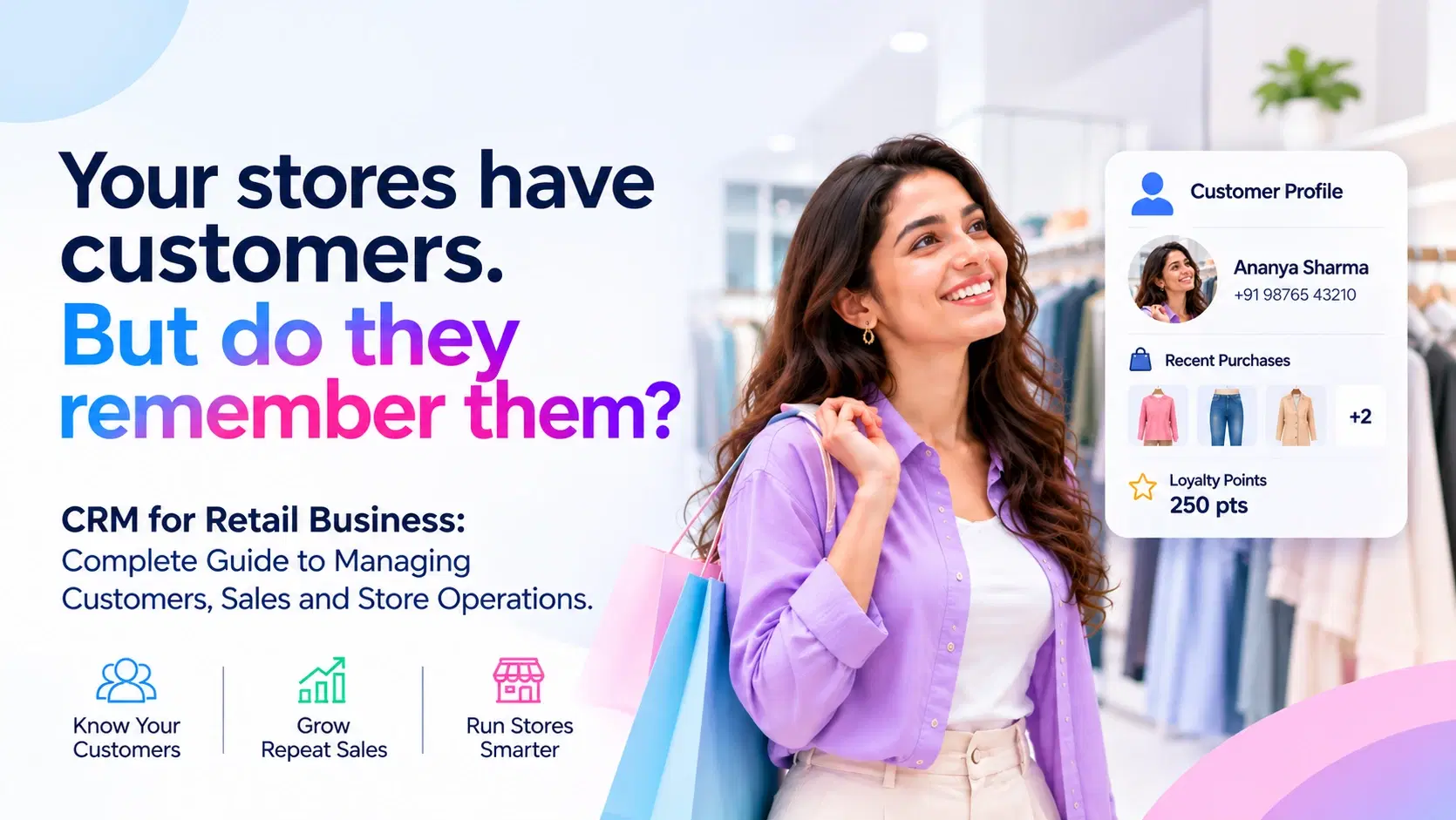
CRM means Customer Relationship Management. In simple words, it is a system that keeps all your customer details in one place. It stores names, phone numbers, purchase history, loyalty points and feedback.
When you use retail CRM software, every store, every salesperson and every campaign sees the same customer picture. That is why retail CRM software is now a basic tool, not a luxury.
CRM in Retail Versus a Regular Billing System
A billing system records a sale and moves on. CRM in retail records the person behind the sale. It remembers what they bought, how often they visit and what they might want next.
Why Retail Businesses Need a CRM Today
Customers Expect You to Know Them
McKinsey's research found that 71 percent of consumers expect companies to deliver personalized interactions, and 76 percent get frustrated when this does not happen (McKinsey & Company, 2021). A shopper who has bought from you five times should not feel like a stranger on the sixth visit.
Keeping Customers Costs Less Than Finding New Ones
Harvard Business Review reports that bringing in a new customer can cost 5 to 25 times more than keeping an existing one (Harvard Business Review, 2014). Bain & Company has also reported that a 5 percent rise in customer retention can lift profits by 25 to 95 percent, depending on the industry (Bain & Company).
For a store owner, the message is clear. Your best growth may already be walking through your door.
Repeat Buyers Respond to Personal Shopping
A Twilio Segment survey found that 49 percent of consumers said they would likely become repeat buyers after a personalized shopping experience with a retailer (Twilio Segment, 2022). Personal service turns one time buyers into regulars.
Key Features of CRM Software for Retail Industry
Not every tool fits every shop. Good CRM software for retail industry teams should cover the points below.
One Customer Profile Across All Stores
Each customer has a single profile. It shows purchases from every outlet, online and offline. Your staff can serve a customer in Store 6 as well as they would in Store 1.
Customer Groups for Smarter Offers
You can split customers into groups. Examples are high spenders, festival shoppers, lapsed buyers and new visitors. Each group gets an offer that fits them, so your discounts are not wasted.
Loyalty Points and Rewards
A CRM tracks points, tiers and reward use automatically. Customers see the value of coming back, and you see which rewards actually work.
Automated Messages
Send birthday wishes, order updates, restock alerts and win back messages through SMS, WhatsApp or email. The system sends them at the right time without anyone typing each one.
Sales and Stock Insights
Reports show your best selling products, your slow stores and your busiest hours. You can plan stock and staff using facts instead of guesses.
Simple Staff Tools
Store teams can search a customer, check history and note a preference in seconds. This makes service faster and friendlier.
How CRM for Retail Stores Improves Daily Operations
Ravi did not only want more sales. He wanted calmer stores. Here is how CRM for retail stores helps behind the counter.
Better Customer Service on the Shop Floor
Staff can see past purchases before they speak. They can say, "Last time you picked the blue shirt. We have a new shade in your size." That small moment builds trust.
Faster Follow Ups
If a customer asks for a product that is out of stock, the staff member logs the request. When stock arrives, the CRM reminds the team to call. No sale slips away.
Clear Team Accountability
Managers see which store or salesperson is bringing back repeat buyers. This makes coaching and rewards fair and based on numbers.
Less Paperwork and Fewer Mistakes
Digital records replace notebooks and scattered spreadsheets. Errors drop, and data stays safe even when staff changes.
The Business Benefits You Can Expect
Here is what retailers usually gain after using a CRM well.
- More repeat visits from regular customers
- Higher average bill value through relevant suggestions
- Better use of marketing money, since messages go to the right people
- Smoother work across all branches
- Clear data for decisions on stock, pricing and staffing
Results depend on how well the tool is set up and used. A CRM works best when your team treats it as a daily habit.
How to Choose the Right Retail CRM
Step 1: List Your Real Problems
Write down what hurts today. It could be lost customer data, weak repeat sales or messy branch reports. Choose a tool that solves those problems first.
Step 2: Check Ease of Use
If store staff cannot learn it in a few days, they will not use it. Look for a clean screen and simple steps.
Step 3: Confirm It Connects With Your Billing and Stock
Your CRM should work with your point of sale and inventory tools. Separate systems create double work.
Step 4: Look at Support and Setup Help
A good provider helps you move your old data, trains your team and answers questions quickly.
Step 5: Start Small, Then Grow
Begin with one or two stores. Learn what works, then roll out to all branches.
Common Mistakes to Avoid
Buying Too Many Features
Many retailers pay for tools they never open. Start with the basics and add more later.
Ignoring Staff Training
The best software fails when the team does not know how to use it. Plan a short training and a follow up session.
Collecting Data but Not Using It
Data only helps when you act on it. Set one simple weekly habit, like checking which customers have not returned in 60 days and sending them an offer.
Back to Ravi: What Changed
Ravi moved his customer data into one system. Within weeks, his staff could greet regulars by name and recall their favorite brands. His team sent a simple "we missed you" message to customers who had not visited in two months, and many returned.
His stores did not become bigger overnight. They became better at remembering people. That is the real promise of CRM for retail business: every customer feels known, and every store works from the same page.
Final Thoughts
Retail is a people business. Customers return to shops where they feel recognized and valued. A well chosen CRM gives your stores a shared memory, so every visit feels personal and every sale has a better chance to repeat.
Start with one clear goal, train your team and use your data every week. Small steps, repeated often, build loyal customers.
Frequently Asked Questions
Is CRM only for large retail chains?
No. Small shops with even one store can use a CRM. In fact, small retailers often feel the benefit fastest because personal service is their strength.
How long does it take to set up a retail CRM?
Simple setups can take days. Larger rollouts across many stores can take a few weeks, depending on your data and team size.
Can a CRM work with my existing billing system?
Most good tools connect with common billing and inventory systems. Always confirm this before you buy.
What is the first step to get started?
Pick your top two goals, such as more repeat sales or better branch reports. Then explore a solution built for your needs. You can see how a dedicated option works here: CRM for Retail Business.